For a free flashcard app, start with the task you want to complete repeatedly: add useful words, review them later, and keep access to your material. A free download or a short trial does not answer every question about that routine.
This guide is written by the WordPlus team. It is a product shortlist and practical evaluation guide, not an independent ranking or a controlled test of learning outcomes. We distinguish the study workflow from paid extras and link to current product information rather than quoting a price that may not apply in your store.
Quick comparison by use case
| Your priority | App to inspect | What to check in your trial |
|---|---|---|
| Collect words from your own material | WordPlus | Translation, card creation and review; check AI limits separately |
| Work with highly customised cards | Anki | Your card types, device and scheduling preferences |
| Use material assigned by a class | Quizlet | Access to the exact set and assigned study mode |
| Learn through native-speaker video | Memrise | Your language, content access and plan limits |
| Save vocabulary while reading or watching | DuoCards | Capture workflow, review and free-tier limits |
The best free option depends on which of those tasks is essential. Do not choose solely from the number of features listed on a landing page.
WordPlus: a personal vocabulary workflow
WordPlus connects translation and word insights with sets and review. Start with a word from your own material, inspect its meaning and create a flashcard. Review with the answer hidden, then use the word in a sentence.
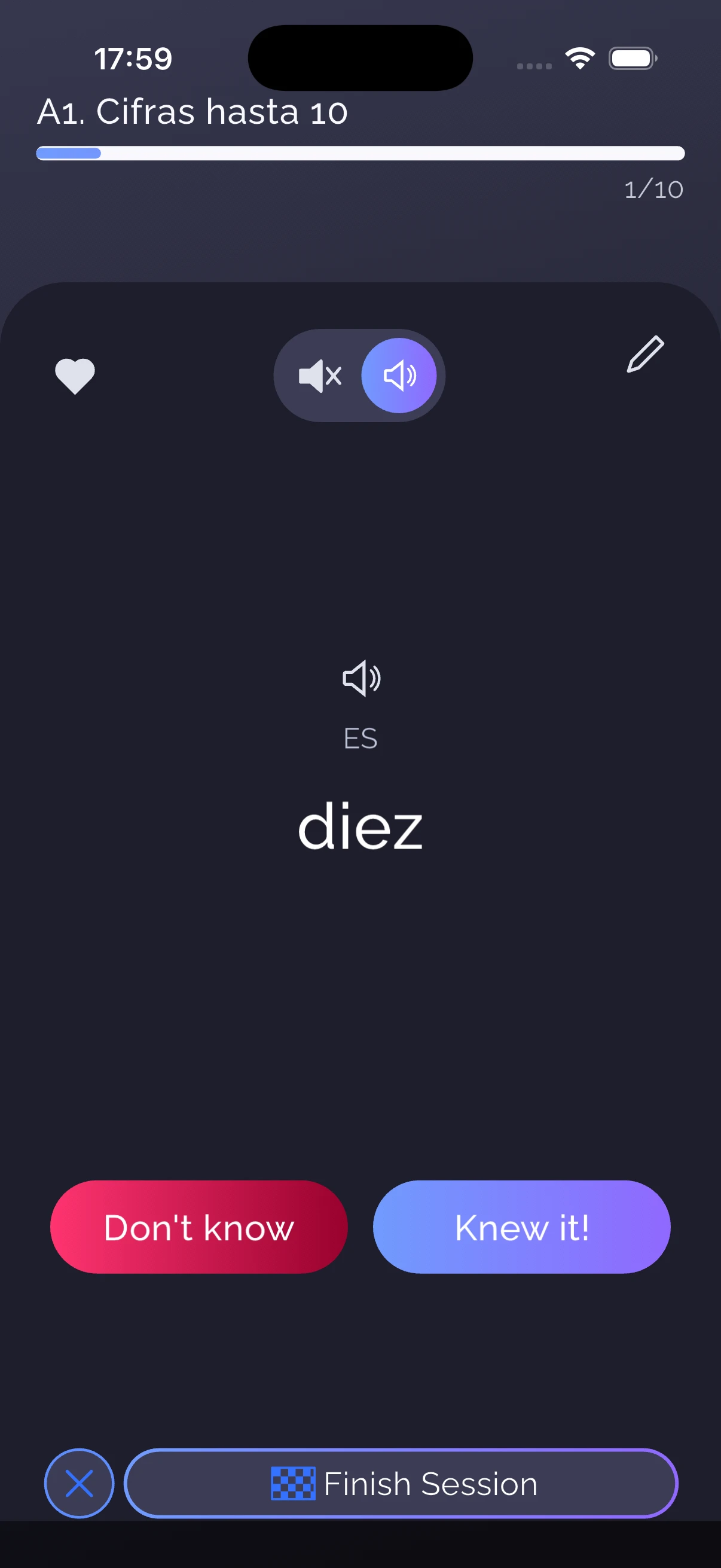
Core learning and online AI features should be considered separately. Do not read “free flashcards” as a promise of unlimited translation, generation or conversation usage. Check the current Free and Premium comparison and the limits shown in the app for the features you intend to use.
Try WordPlus if capturing your own vocabulary is a recurring task. If your existing decks depend on custom templates or detailed scheduling settings, inspect a small Anki import sample before moving them.
Anki: inspect the version for your device
Anki's official downloads distinguish the desktop program, AnkiDroid and AnkiMobile. Check the official links for your platform rather than assuming every similarly named app has the same cost or capabilities. Start at Anki's official site.
For scheduling and migration considerations, read our WordPlus vs Anki guide. In particular, current Anki supports FSRS; an old comparison based solely on SM-2 is incomplete.
Quizlet: start with the set you actually need
If a class gives you a Quizlet link, test that material and the required mode first. Check whether you can complete the assignment within the current free account and whether any required access expires after a trial. Use Quizlet's official site for its current account and plan information. This guide does not assert a fixed free-tier feature matrix for Quizlet.
Memrise: video and language practice
Memrise's current site describes native-speaker video, vocabulary and AI speaking practice, with a free starting option and paid extras. It is worth inspecting when those activities fit your goal. Check your language and the content included in your account. See the official Memrise overview.
DuoCards: vocabulary from content
DuoCards describes an integrated translator and saving words from videos or reading as flashcards. Try that capture process with material you already use, then check the current account limits before building a large collection. See the official DuoCards site.
Test the complete free routine
Create a small sample set, study it, then return on another day. Check whether the activity you need is still available, whether you can correct a card, and whether the review process fits your time. If offline use matters, perform the offline preparation check too.
Choose based on the routine you can complete. Upgrading can be reasonable for a feature you use; it should be a deliberate decision based on current terms, not a surprise after you have invested in a large deck.