
A closer look at WordPlus
From a word you meet to a word you can use.
Look up vocabulary from your reading, choose the meaning that fits, and turn it into practice. Here is the workflow inside the app.




Real screens from the iOS Simulator · September 2026. Appearance and availability can vary by version. Conversation is marked beta in this build.
01
Choose the meaning you need
Start in Translator with your source and helper languages. A word can have several meanings: in this example, sobremesa produces both tabletop and after-dinner conversation. Compare the suggestions with the sentence you read before creating a flashcard.
See the worked translation example →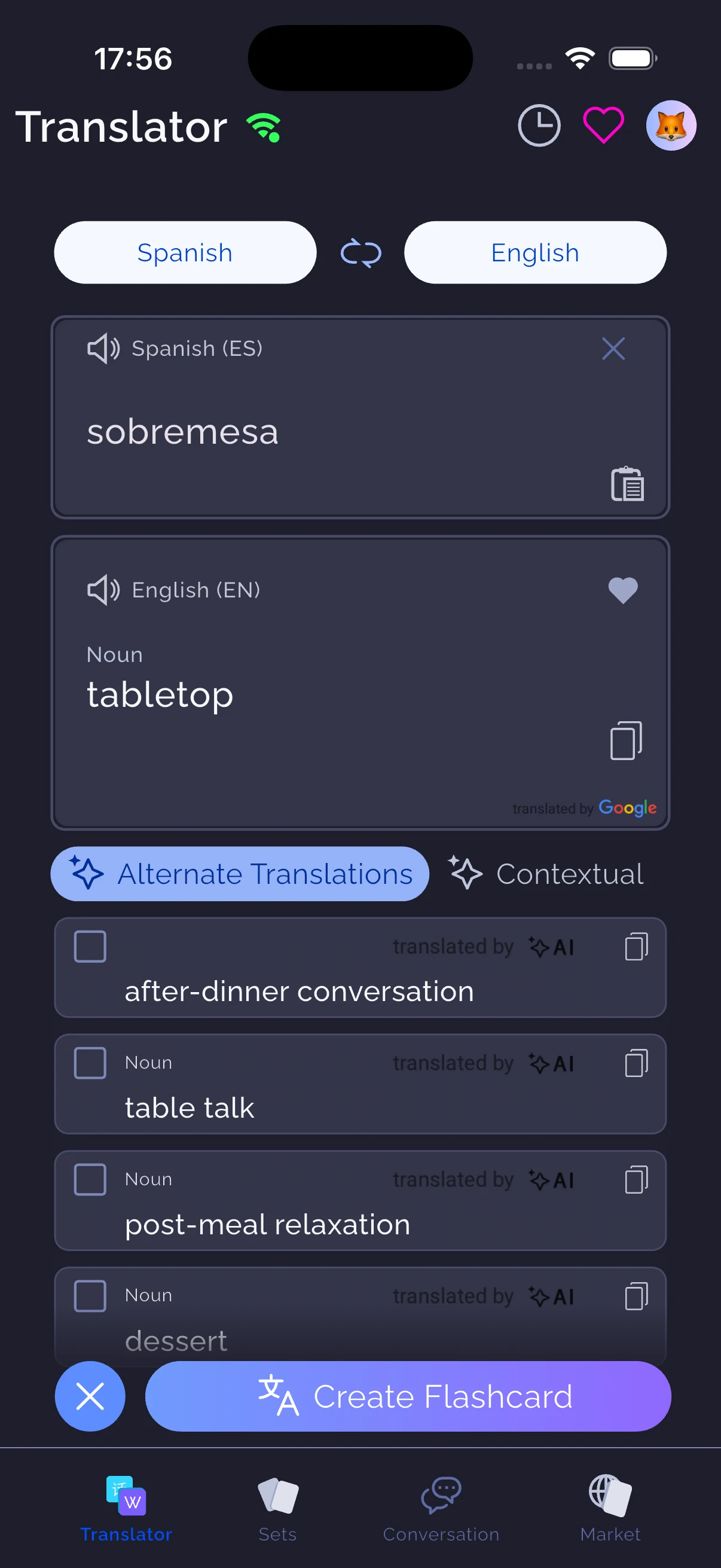
02
Give the word some context
Open Meanings to compare explanations in both languages. Contextual examples, synonyms and alternatives can help you inspect a word. AI suggestions need a quick check; keep the sense relevant to your source instead of saving every possible definition.
Learn how to repair confusing cards →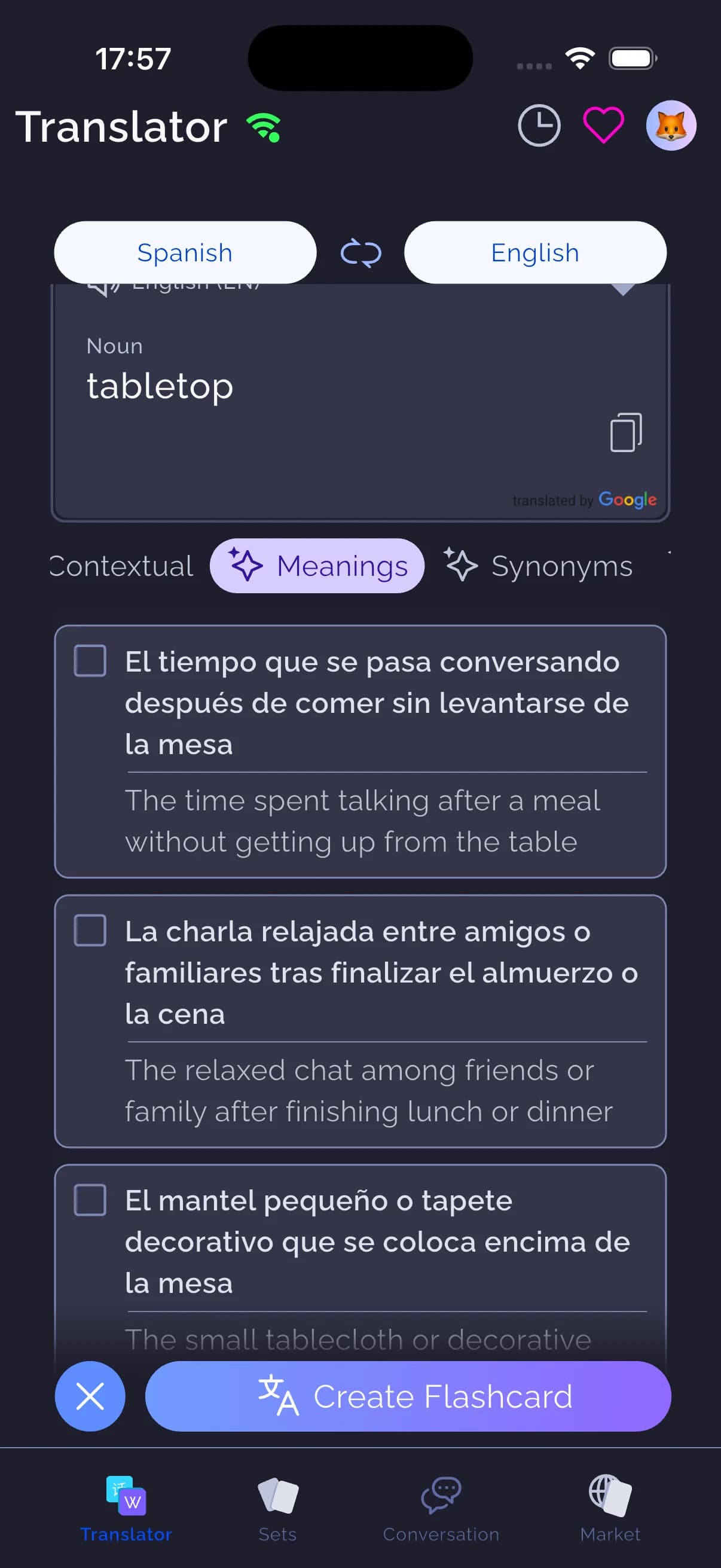
03
Try the answer before revealing it
Open a set and choose Flashcards. Attempt the answer, reveal it and mark the result honestly. Use the other study activities when you want writing or audio practice. With Leitner review, words are organised across five jars; difficult vocabulary can receive extra attention through My Angry Words.
Try a short recall exercise →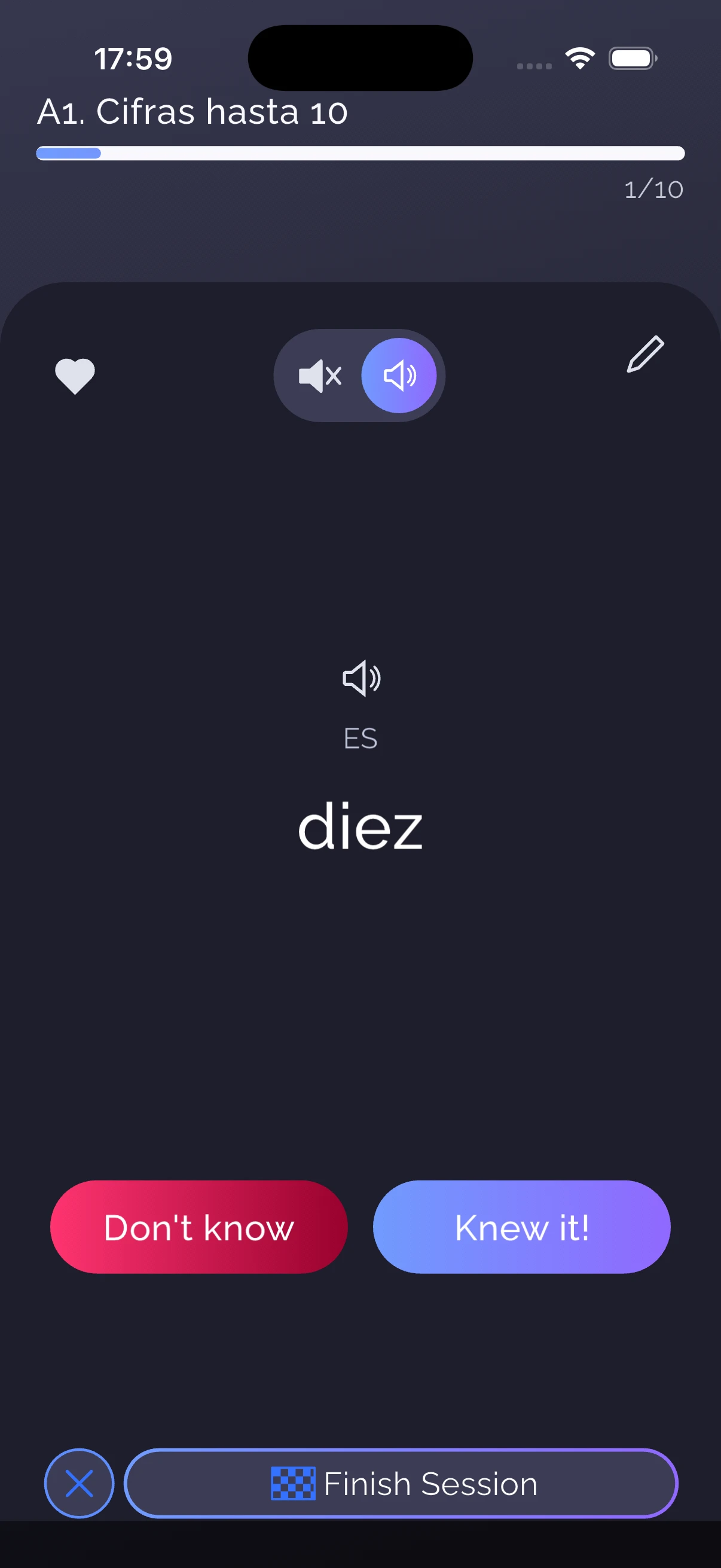
04
Take the vocabulary into conversation
Choose the course language, helper language and a relevant set, then select an available voice or chat mode. Practise a concrete situation. Afterward, inspect the transcript and feedback and save useful phrases for another review. Online AI features depend on availability and your plan.
Follow the conversation routine →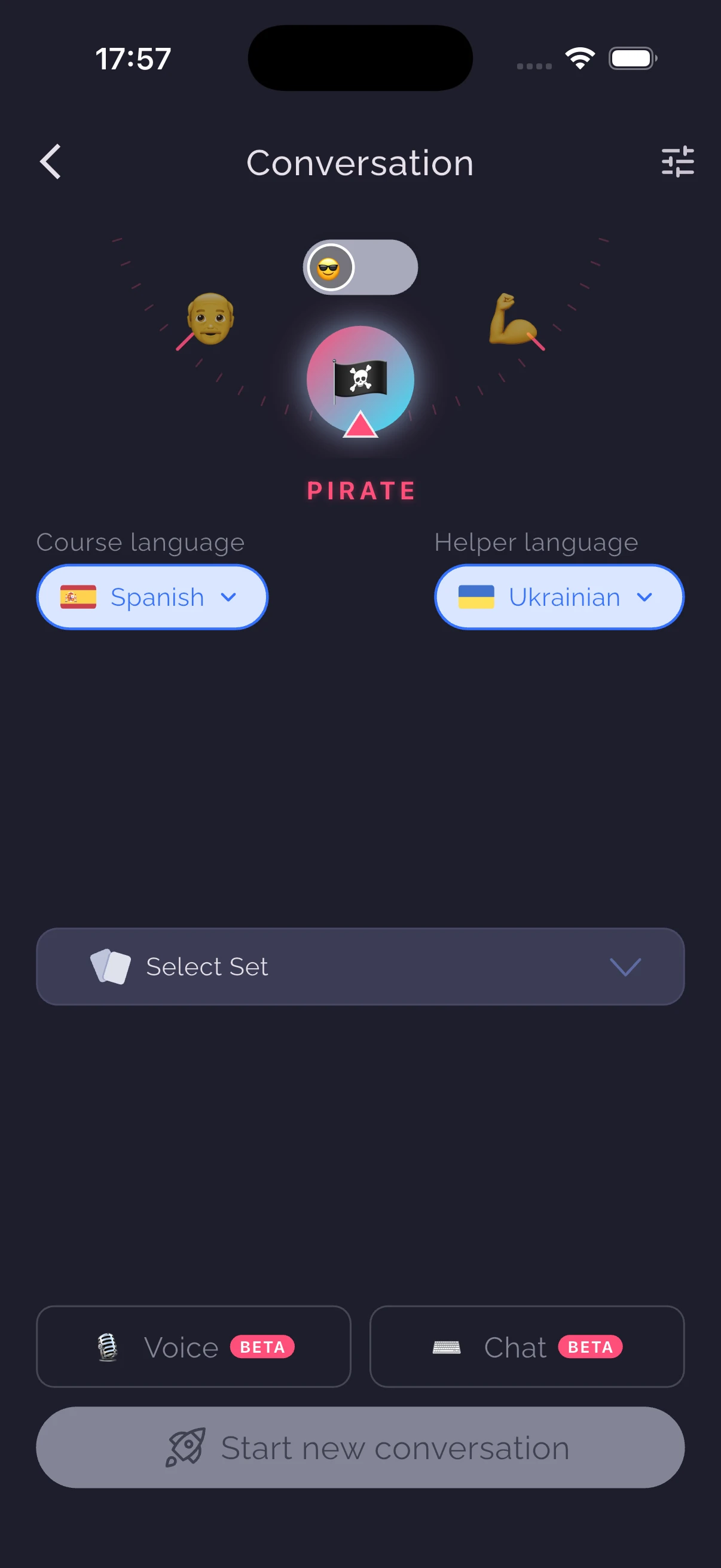
Bring your material. Keep a manageable routine.
Already have Anki decks?
Import a small .apkg sample from a file, link or AnkiWeb. Check the converted cards and language direction before moving a larger collection. Keep your original deck when its templates or review history matter.
Read the import steps →Preparing to study offline?
Open the sets you need while connected and test a short review without a connection. Check audio on your device too. New AI translations, generation and conversation require online services.
Use the offline checklist →Need a starting set?
Browse the vocabulary market and preview the content before choosing a set. Add words you actually need and leave enough time to review them. A bigger collection is not automatically a better routine.
Browse vocabulary sets →Try the workflow with a few useful words.